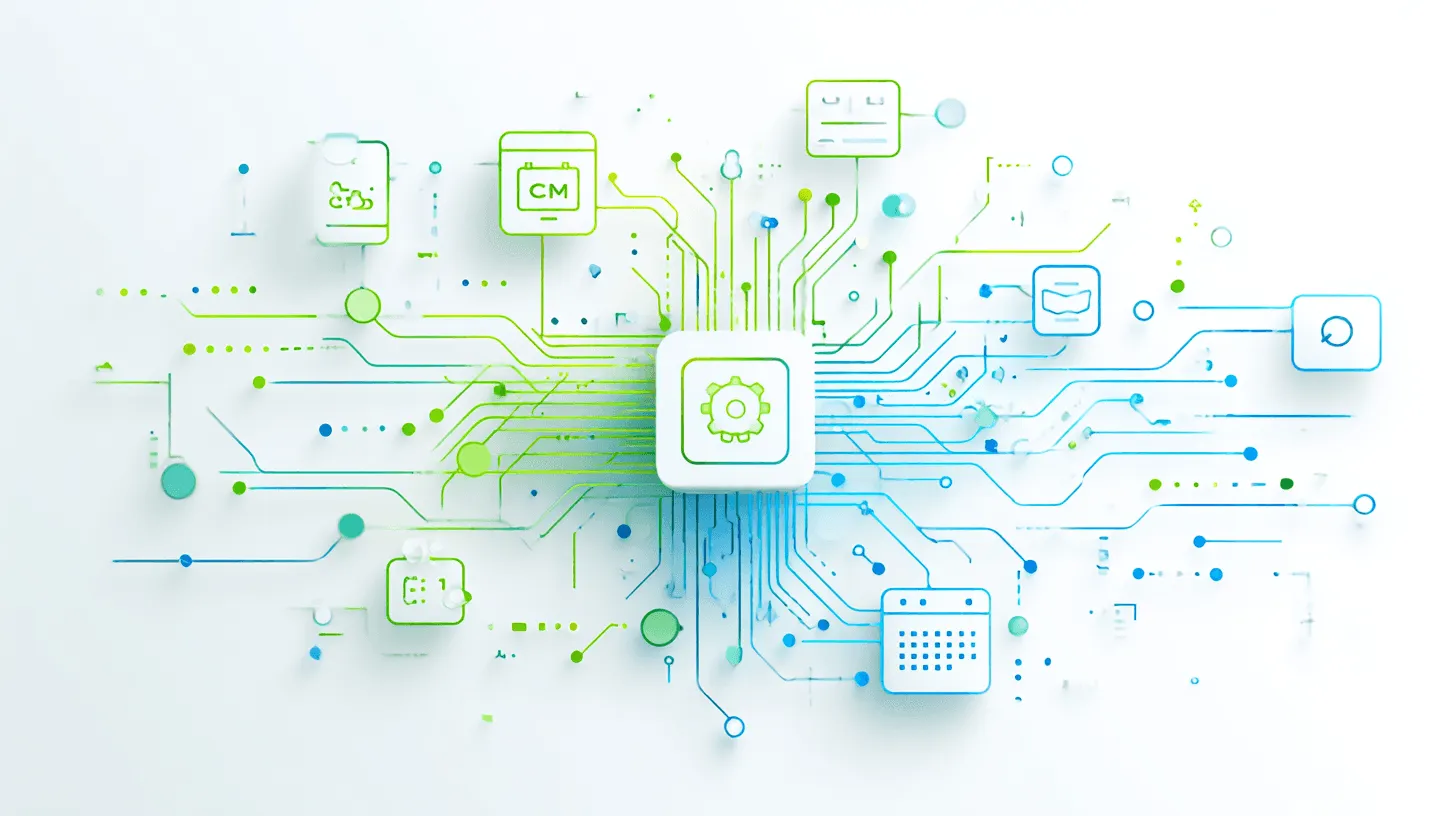

In your business, you probably use a whole range of specialized apps: a CRM system, a calendar, a project management tool, and maybe a communication solution like Safina. The problem: these tools often work in isolation. Important information from a call then has to be manually transferred to the CRM — a process that’s time-consuming and error-prone.This is where webhooks come in. They’re a simple yet extremely powerful technology for bridging exactly this gap and letting your tools talk to each other automatically.Comprehensive guide: Conversational AI: An Accessible Guide for Business Use
The Simple Analogy: A Webhook Is Like a Doorbell
To understand what a webhook is, let’s compare it to its better-known counterpart, the API (application programming interface), using a simple analogy:
- Querying a traditional API (Polling): Imagine you’re expecting a visitor but don’t know when they’ll arrive. So every two minutes, you walk to the door, open it, and check if anyone’s there. That’s inefficient and wastes a lot of time on unnecessary checking. This is how “polling” works with an API.
- Using a webhook: Now imagine you have a doorbell. You no longer need to keep checking. When the visitor arrives, they press the bell and you’re notified immediately and automatically. That’s exactly what a webhook is. It’s an automated notification sent from one app to another when a specific event occurs.
How Does This Work in Practice? The “If-Then Principle”
A webhook always follows a simple logic: If a defined event happens in App A, then send a predefined piece of information to App B.
Applied to Safina AI, the benefit becomes immediately clear:
Example 1: A call becomes a new lead in your CRM
- IF a call in your Safina app ends and the AI classifies it as “New prospect”…
- THEN Safina immediately sends the call summary, phone number, and caller’s name to your CRM system (e.g., Pipedrive, Salesforce, HubSpot) via a webhook. A new lead or contact is automatically created there. No more manual data entry.
Example 2: A call request becomes a calendar entry
- IF a caller successfully schedules an appointment for next Tuesday at 2 PM during a conversation with your Safina AI…
- THEN Safina sends the appointment details (title, date, time, participants) to your Google Calendar or Microsoft 365 calendar via webhook, automatically creating the event for you and the caller.
Helpful guide: Connecting Safina AI to Your CRM via Webhook
The Key Advantage: Seamless Automation
For you as a business owner, IT manager, or process lead, webhooks are a critical lever for achieving real efficiency:
- No manual data entry: You save valuable time and reduce the risk of transcription errors.
- Real-time information: Your systems are always up to date. A new lead appears in the sales dashboard immediately, not at the end of the day.
- Easy setup: Compared to developing a full-scale API integration, setting up webhooks is often just a few clicks in the settings of the respective apps.
Conclusion: The Digital Glue for Your Tools
Webhooks are the invisible glue that connects your specialized software tools into a seamless, automated system. They enable an application like Safina to not only handle calls intelligently but to integrate the results of those calls directly into your business processes. They’re a perfect example of how a small, simple technology can have an enormous impact on your daily operations.