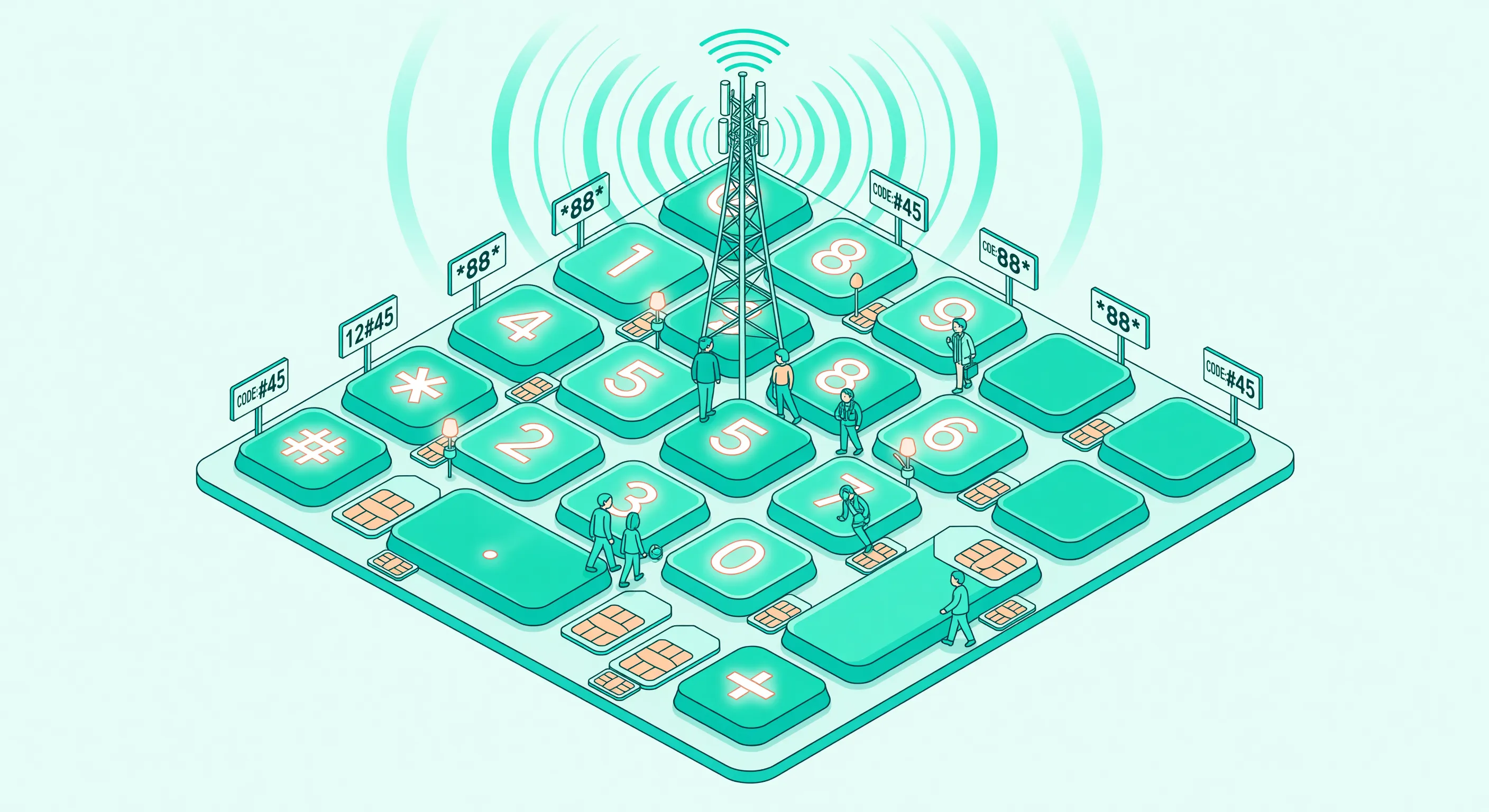

GSM codes are short dial sequences that control your carrier’s features directly from your phone’s keypad. No app needed. No internet connection required. They work on every mobile phone, from a $30 Nokia to a $1,500 iPhone.
Most people know the basic call forwarding codes, if they know any at all. But GSM codes cover far more: caller ID control, call barring, voicemail management, device information, and network diagnostics.
This is the full list, organized by category, with examples for each.
How GSM Codes Work
You enter these codes in your phone’s dialer (the app you use to make calls) and press the call button. Your phone sends the code to your carrier’s network, which processes it and returns a confirmation.
The pattern is consistent:
**(double star) + code = Activate##+ code = Deactivate*#+ code = Check status
Replace [number] with the full destination number including country code (e.g., +491701234567 for Germany, +14155551234 for the US).
For an interactive version where you can search, filter, and copy codes, use our GSM codes tool.
Call Forwarding Codes
These are the most commonly used GSM codes. They redirect your incoming calls to another number.
Forward All Calls (Unconditional)
| Action | Code |
|---|---|
| Activate | **21*[number]# |
| Deactivate | ##21# |
| Check status | *#21# |
Your phone won’t ring. Every call goes directly to the destination. Useful during vacations or when you want all calls handled by an AI phone assistant like Safina.
Forward When No Answer
| Action | Code |
|---|---|
| Activate | **61*[number]**[seconds]# |
| Deactivate | ##61# |
| Check status | *#61# |
Replace [seconds] with the ring time before forwarding: 5, 10, 15, 20, 25, or 30 seconds. This is the most useful forwarding type for business: your phone rings, and if you don’t answer, the call goes to your backup number.
Example: Forward after 20 seconds of ringing: **61*+491701234567**20#
Forward When Busy
| Action | Code |
|---|---|
| Activate | **67*[number]# |
| Deactivate | ##67# |
| Check status | *#67# |
Triggers when you’re already on another call. Prevents callers from getting a busy signal.
Forward When Unreachable
| Action | Code |
|---|---|
| Activate | **62*[number]# |
| Deactivate | ##62# |
| Check status | *#62# |
Activates when your phone is off, in airplane mode, or has no signal. Important for 24/7 coverage.
Bulk Actions
| Action | Code |
|---|---|
| Cancel ALL forwarding | ##002# |
| Set all conditional forwarding at once | **004*[number]# |
| Cancel all conditional forwarding | ##004# |
##002# is the “reset button.” It removes every forwarding rule in one step.
For carrier-specific forwarding instructions, see our carrier forwarding hub or use the interactive forwarding tool.
Caller ID Codes
Control whether your phone number is shown to the person you’re calling.
| Action | Code | Notes |
|---|---|---|
| Hide your number (next call) | #31#[number] | Prepend before dialing |
| Show your number (next call) | *31#[number] | If your number is normally hidden |
| Check outgoing caller ID status | *#31# | Shows CLIR setting |
| Check incoming caller ID status | *#30# | Shows CLIP setting |
| Check connected line presentation | *#76# | COLP status |
| Check connected line restriction | *#77# | COLR status |
Example: Call +491701234567 without showing your number: #31#+491701234567
Some carriers let you permanently hide your number through their settings or by calling customer service. The #31# prefix is a per-call override.
Call Waiting Codes
Call waiting notifies you when a second call comes in while you’re already on the phone.
| Action | Code |
|---|---|
| Activate call waiting | *43# |
| Deactivate call waiting | #43# |
| Check status | *#43# |
With call waiting active, you hear a beep during a call if someone else is trying to reach you. You can then choose to switch to the new call or ignore it. If you have “forward when busy” set up, the second caller goes to your forwarded number when call waiting is off.
Call Barring Codes
Call barring restricts certain types of calls. Useful for controlling costs or preventing unauthorized use.
All barring codes require a PIN (usually set by your carrier, default is often 0000 or 1234).
Outgoing Call Restrictions
| Action | Code |
|---|---|
| Bar all outgoing calls | **33*[PIN]# |
| Remove outgoing bar | ##33*[PIN]# |
| Check status | *#33# |
| Bar outgoing international calls | **331*[PIN]# |
| Remove international bar | ##331*[PIN]# |
Incoming Call Restrictions
| Action | Code |
|---|---|
| Bar all incoming calls | **35*[PIN]# |
| Remove incoming bar | ##35*[PIN]# |
| Check status | *#35# |
| Bar incoming when roaming | **351*[PIN]# |
Remove All Bars
| Action | Code |
|---|---|
| Remove ALL call barring | ##330*[PIN]# |
Phone & SIM Information
| Code | What it shows |
|---|---|
*#06# | IMEI number (your device’s unique identifier) |
*#07# | SAR value (radiation level, Android only) |
The IMEI is important. Write it down and store it somewhere safe. If your phone is lost or stolen, you’ll need the IMEI to report it to your carrier and potentially track it. The IMEI is also printed on the original box and usually under Settings > About Phone.
Android-Only Diagnostic Codes
These work on most Android phones but not on iPhones.
| Code | What it opens |
|---|---|
*#*#4636#*#* | Phone info, battery stats, Wi-Fi info, usage stats |
*#*#7780#*#* | Factory reset (caution: erases all data) |
The *#*#4636#*#* menu is useful for checking signal strength, battery health, and network type. It’s a hidden Android diagnostic tool.
Codes That Vary by Carrier
Some features use carrier-specific codes rather than standard GSM codes. Common examples:
US Carriers
| Feature | AT&T | Verizon | T-Mobile |
|---|---|---|---|
| Unconditional forward | *72[number] | *72[number] | Standard GSM |
| Cancel unconditional | *73 | *73 | Standard GSM |
| Voicemail | Carrier-specific | *86 | Carrier-specific |
AT&T and Verizon use *72/*73 for unconditional forwarding instead of the standard **21* code. Conditional forwarding (no answer, busy, unreachable) uses standard GSM codes on all three carriers.
German Carriers
Telekom, Vodafone, O2, 1&1, and Congstar all support standard GSM codes. Some also offer app-based forwarding management through MeinMagenta, MeinVodafone, or Mein O2.
For carrier-specific details, see our individual carrier forwarding guides.
Tips and Troubleshooting
Codes Don’t Work?
- Make sure you have cellular signal (GSM codes don’t work over Wi-Fi)
- On dual-SIM phones, check you’re dialing from the correct SIM
- Some VoIP-only carriers don’t support GSM codes
- Try removing the
+from numbers and using the full international format (e.g., 00491701234567)
Need to Start Fresh?
Dial ##002# to clear all forwarding rules, then set up only what you need.
Check What’s Active
Run these codes to see your current forwarding setup:
*#21#   (unconditional)
*#61#   (no answer)
*#67#   (busy)
*#62#   (unreachable)
Want a Number to Forward To?
If you’re setting up forwarding but don’t have a destination number, an AI phone assistant gives you one. Safina provides a dedicated number that your missed calls forward to. The AI answers, talks to the caller, and sends you a summary. Plans start at $11.99/month. Try it free for 14 days.
Frequently Asked Questions
Do GSM codes work on iPhone?
Yes. Open the Phone app, type the code, and press Call. All standard GSM forwarding, caller ID, and status codes work on iPhone. The Android-specific diagnostic codes (like *#*#4636#*#*) do not.
Do GSM codes work with eSIM?
Yes. GSM codes work with physical SIM, eSIM, and dual-SIM setups. On dual-SIM phones, the code applies to whichever SIM line you’re dialing from.
Are GSM codes free to use?
The codes themselves are free. However, forwarded calls may be billed as outgoing calls by your carrier. Check your plan’s call forwarding terms.
Can I use GSM codes while abroad?
Most codes work while roaming, but some carriers restrict certain features (especially call barring) in roaming mode. Call forwarding works internationally, but forwarded calls may incur roaming charges.
What’s the difference between GSM codes and USSD codes?
They’re the same thing. “GSM codes” refers to codes standardized for GSM mobile networks. “USSD” (Unstructured Supplementary Service Data) is the technical protocol these codes use. In practice, the terms are interchangeable.
Related Pages
- Interactive GSM Codes Tool - Search, filter, and copy any code
- Call Forwarding Setup Tool - Generate forwarding codes for your carrier
- How to Set Up Call Forwarding - Step-by-step forwarding guide
- All Carriers Forwarding Guide - Carrier-specific instructions
- Phone Number Validator - Check number format before forwarding
- Call Forwarding Solutions - Forward calls to an AI assistant