
When the minute allowance included in your plan is running low, it’s important to act quickly so your AI assistant stays reachable. Safina proactively notifies you as soon as your allowance is nearly used up, giving you time to respond.
Important Note: To avoid any interruption in your availability, you can activate pay-as-you-go billing at any time in the web app. This lets Safina seamlessly continue taking calls beyond your included minutes. More details here: Additional Minutes: How Pay-as-you-go Billing Works
Here’s how the process works and what safeguards are in place.
The Process in Three Phases
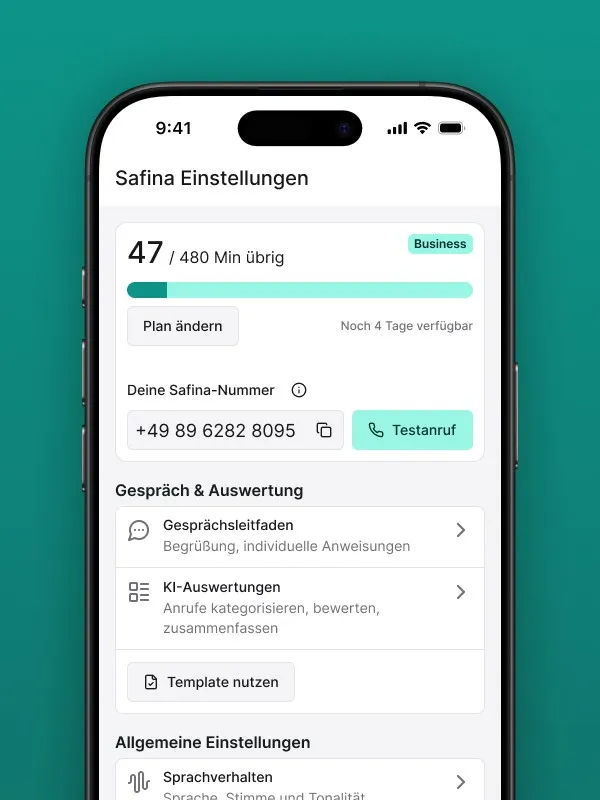
So you don’t have to constantly check your balance yourself, Safina uses an automated notification system.
Phase 1: The Advance Warning via Email
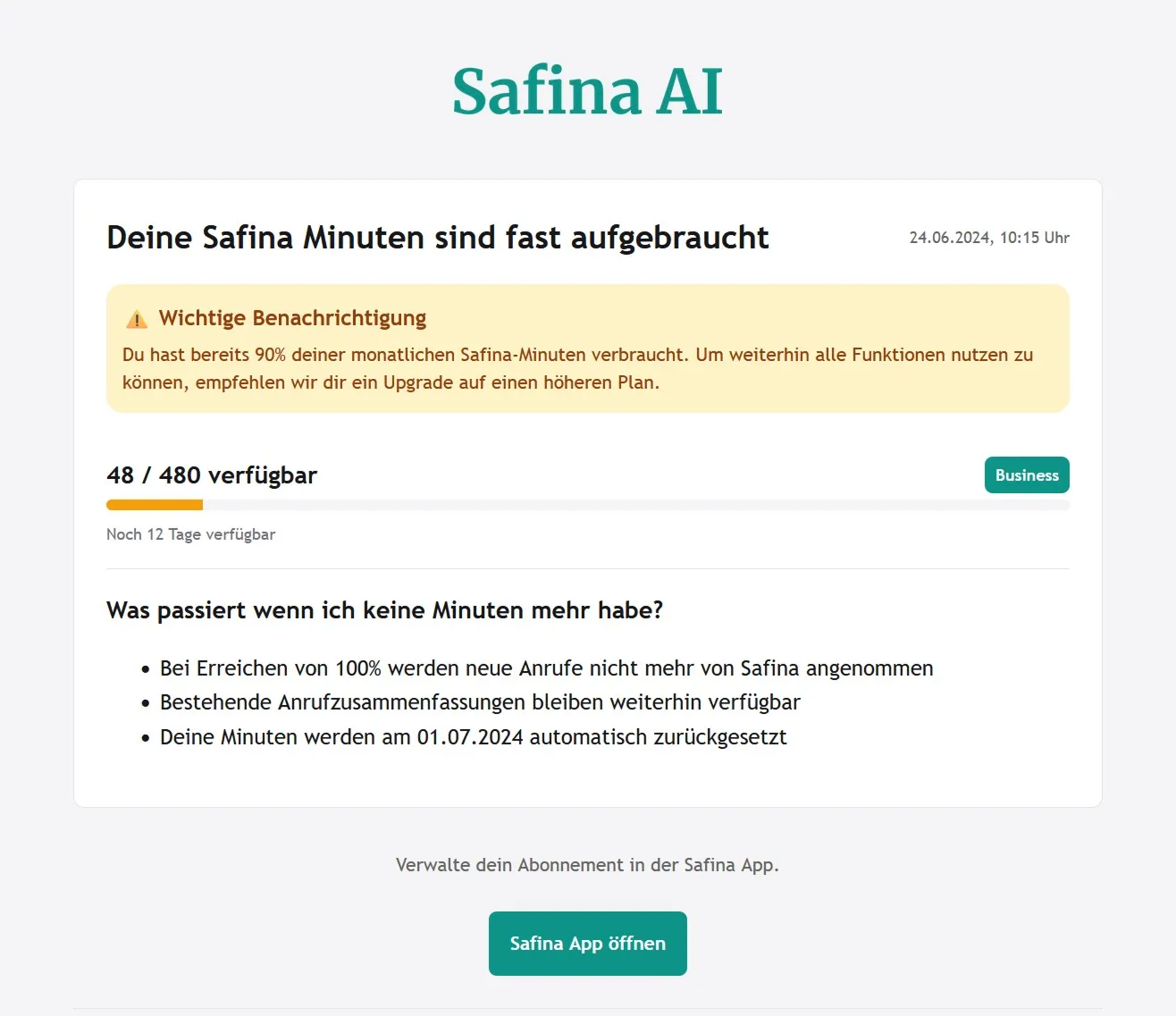
As soon as your available minute allowance reaches a critical threshold (e.g., only 10% remaining), we automatically send you a warning email. This message gives you lead time to either activate additional minutes or adjust your plan.
This notification provides enough advance notice to take action and adjust your plan before the allowance is fully used up.
Phase 2: Allowance Used Up — The Safety Mechanism Kicks In
The moment your last included minute is consumed, the following happens:
- You’re notified: You receive another email informing you that your allowance for the current billing period has been fully used.
- Safina pauses automatically: To ensure full cost transparency, Safina temporarily deactivates call forwarding to your AI assistant.
- Your calls are safe: From this point on, calls are no longer forwarded to Safina. Your phone line behaves as if no forwarding were active. Calls will go to your regular voicemail or simply ring out, depending on your default settings with your carrier.
Phase 3: Reactivation
You have three options to get Safina back up and running:
- Option A: Activate additional minutes (Recommended): Enable pay-as-you-go billing in the web app. This is the fastest way to be reachable again without permanently changing your plan.
- Option B: Plan upgrade: If your monthly allowance is consistently insufficient, you can upgrade to a higher plan directly in the app.
- Option C: New billing period: At the start of your next billing month, your included minutes are automatically replenished and Safina resumes work.
Full Transparency, No Surprises
This system ensures you never incur additional costs without your knowledge. Thanks to the timely warnings, you’re always in control of whether Safina stays active or pauses.