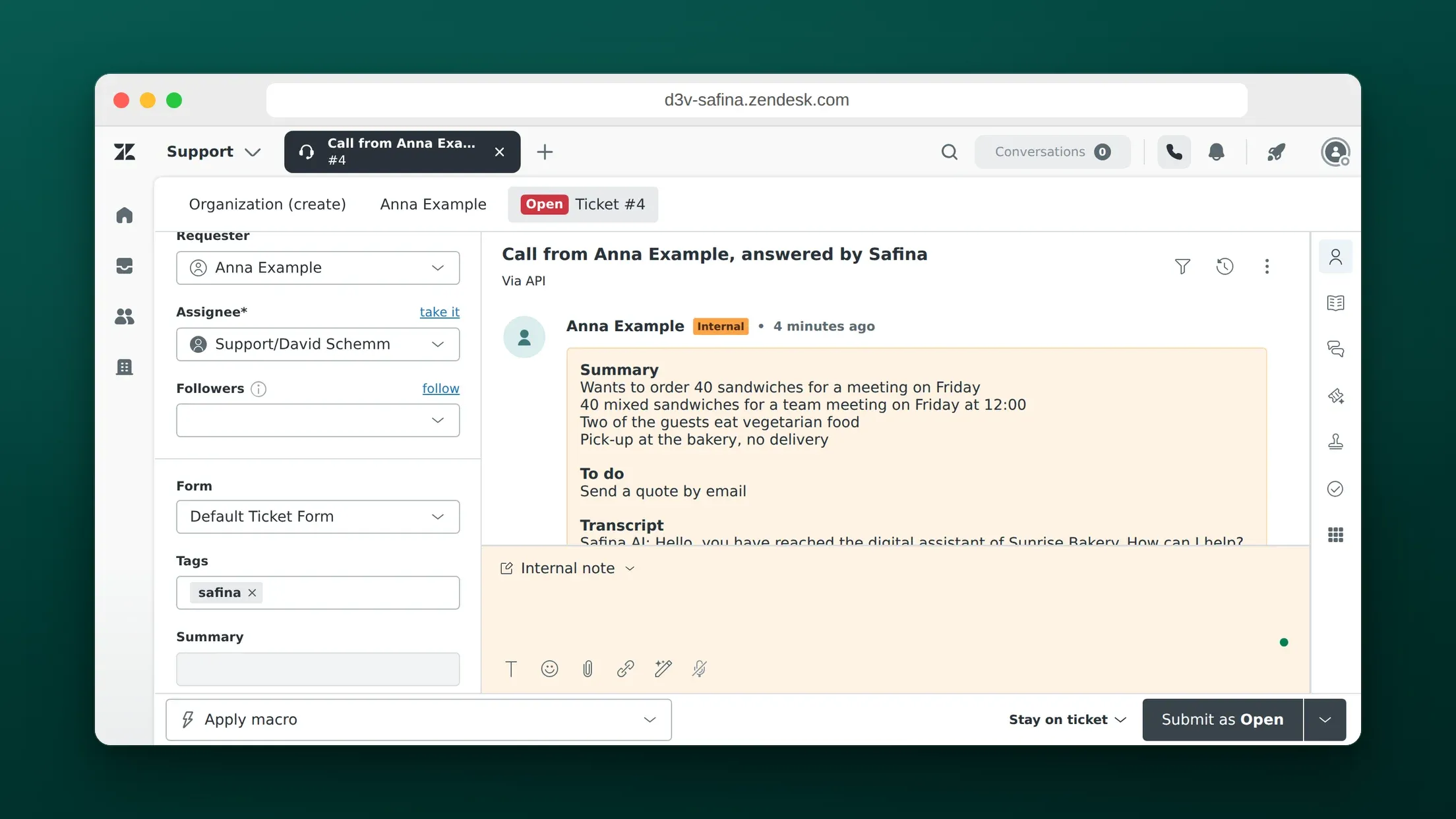
Safina answers your phone, and the Zendesk integration turns each answered call into a Zendesk Support ticket. Safina finds the caller by phone number, makes them the requester, and adds the summary, the to-dos and the transcript as a private comment. Phone calls then sit in the same queue as email and chat, and the caller gets no automatic email.
Option 1: Connect Zendesk directly in Safina
You need the Safina plan Pro or Business and a Zendesk Support account. Sign in with a Zendesk user who may create tickets and users.
- In the Safina app, open Safina AI > Call Logging > Tools. Tap Add tool, tap Zendesk, then Connect Zendesk. In the browser, you can open Zendesk in Safina directly.
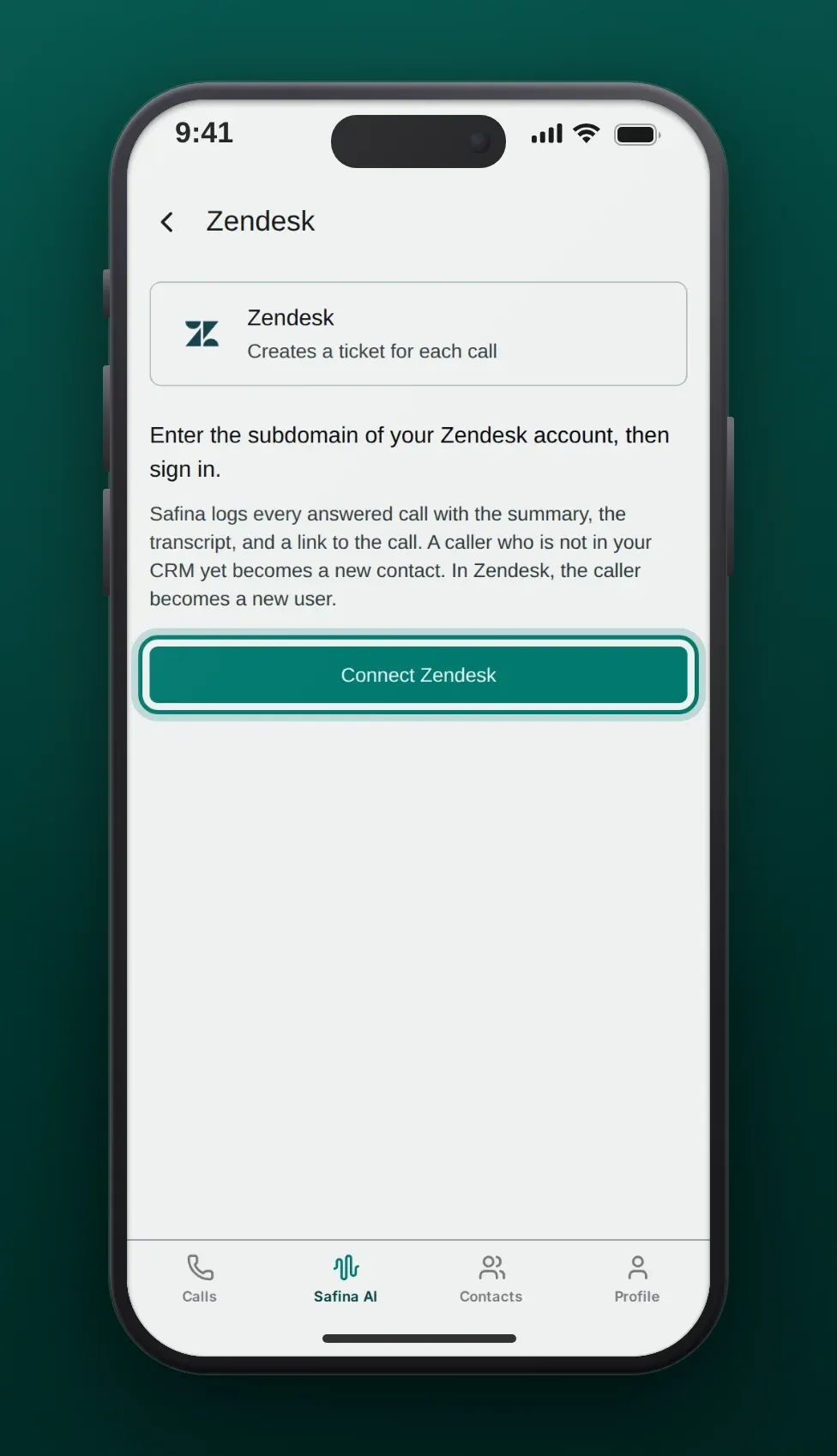
- Type the subdomain of your Zendesk account: the first part of its address, for example
acmefor acme.zendesk.com. Then tap Continue. Safina accepts the full address too.
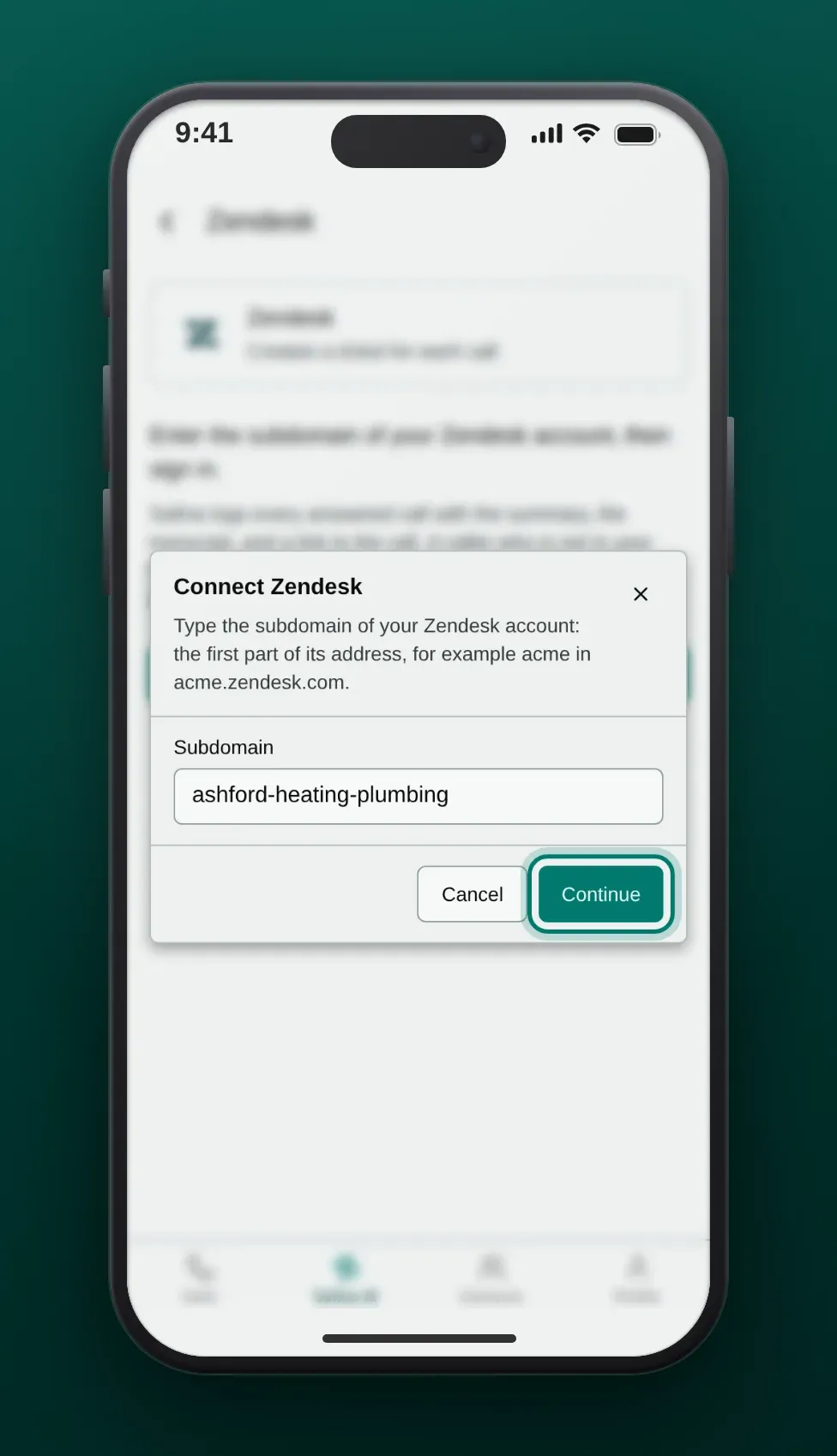
- Zendesk opens on your own account. Sign in and allow access for Safina AI. Back in Safina, the Zendesk row says Connected.
- Call your Safina number and let Safina answer. When the call ends, Safina creates the ticket.
The steps for all tools, and what happens when a tool refuses the sign-in, are in CRM and integrations.
What the Zendesk ticket contains
| Part | What Safina writes |
|---|---|
| Subject | “Call from [caller], answered by Safina” |
| Requester | The end user whose phone number is the caller’s number. Without a match, Safina creates the end user with the caller’s name and number. |
| Comment | One private comment: Summary, To do, Transcript, then the link Open the call in Safina |
| Tag | safina |
| Everything else | Zendesk’s defaults, for example status New, no assignee and your default group |
The comment is private, so Zendesk sends the caller no email about the ticket. Your triggers and automations run as for any new ticket, so a trigger that emails requesters on new tickets would still fire. Add the condition “Tags contains none of the following: safina” to such a trigger if you do not want it.
Safina searches end users by the number in international format and in national format. A caller with a hidden number has no number to search for, so the ticket has no caller as requester. Safina writes in the email language of your Safina account and does not send the audio recording.
Option 2: Zapier, Make or n8n for routing
The direct connection creates the same kind of ticket for every call. If you want to set the priority, the group, the assignee, a ticket form or custom fields, send each call through a webhook to an automation tool and create the ticket there.
- In Zapier, create a Zap with the trigger Webhooks by Zapier > Catch Hook and copy its URL. This trigger needs the Zapier Professional plan. Make’s Custom webhook module and n8n’s Webhook node work the same way.
- In the Safina app, open Safina AI > Call Logging > Webhooks, add a webhook with the URL and the method POST, save it and turn it on. Safina sends the event
call.endedafter every call. The details are in Connect Safina AI to your CRM via webhook. - Add Zendesk as the action app and choose Create Ticket. Map
Data › Call › Summary › Caller NameandData › Call › Call Tracking › From Numberfor the requester andData › Call › Summary › Purposefor the description. - Set the priority from
Data › Call › Summary › Urgency Level, or send urgent calls to another group with a path. - Call your Safina number, test the trigger with that call, then turn the Zap on.
Three ways teams use Safina with Zendesk
Phone support in the same queue
Customers who call land in the same views as customers who email. Agents answer the ticket by email or call back, and the customer’s history shows the call next to their other requests.
After-hours calls ready in the morning
Safina answers at night and on weekends. Make a view with the condition “Tags contains at least one of the following: safina” and the first shift sees every overnight call in one list.
Known callers on their own profile
Because Safina matches the caller by phone number, a returning customer’s call lands on their existing profile. The agent sees their earlier tickets before replying.
Frequently asked questions
Does the caller get an email from Zendesk?
Not from Safina’s comment, because it is private. A trigger of your own that emails requesters on every new ticket still runs; exclude the tag safina in that trigger.
Can Safina create duplicate end users?
Safina first searches for the caller’s number. It creates an end user only when nobody has that number, and it marks the users it creates so it finds them again on the next call.
Can I log calls in several Zendesk accounts?
The direct connection writes into one Zendesk account per Safina team. For more accounts, use a webhook with Zapier, Make or n8n.
Which data does Safina read in Zendesk?
Safina searches end users by phone number and looks for the tickets it created itself, so a retried call does not show up twice. It does not read other tickets, comments or attachments.
Which Safina plan do I need?
Pro or Business. Basic does not include call logging.
